Secrets that never leave your Mac. Encrypted on your device, synced through storage you already own.
Syncs through storage you already have
- iCloud Drive
- Google Drive
- Dropbox
- Cloudflare R2
- Any S3 bucket
- Nextcloud
Features
One vault for every key. In the app and in your terminal, with secrets that rotate in one place and agents that never see them.
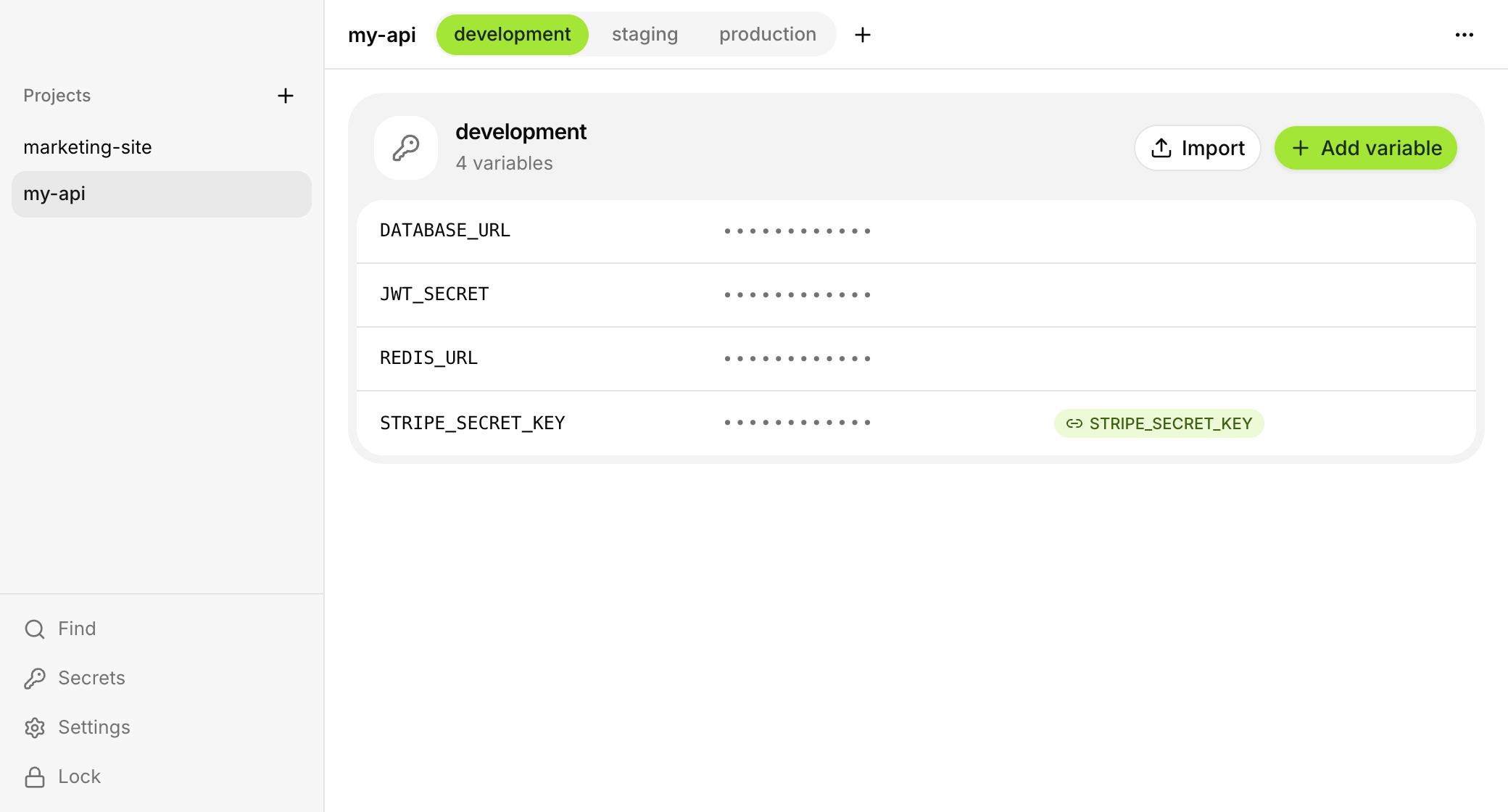
One secret, linked everywhere. Link a key into every environment that uses it. Rotate it once, through OpenAI, Cloudflare or AWS, and every project picks up the new value.
STRIPE_SECRET_KEY
v4 · linked in 3 places
- developmentsk_live_••••70aa
- stagingsk_live_••••70aa
- productionsk_live_••••70aa
Agents never see the values. Claude Code and Cursor run commands with your secrets after you approve them with Touch ID. What they read back has the values taken out.
Claude Code wants to run
bun test
Approved with Touch ID
42 tests passed
charged card with [dotsafe:STRIPE_KEY]
A CLI for your terminal. Run anything with your variables, catch keys before you commit, or import from Doppler, Infisical and 1Password.
Learn more$
Open source, nothing to trust. Read every line. Your vault is encrypted before it leaves your Mac, and there's no dotsafe server holding it.
Learn moreXChaCha20-Poly1305
Every record sealed on your Mac
Argon2id
Your password never leaves it
Touch ID
Unlocks and approves, day to day
Open source
The app, the CLI and the format
Security
Encrypted before it leaves your Mac. Your storage only ever holds noise, and there's no dotsafe server to break into.
This Mac
sk_live_51HqP2xR8
Your storage
Xq7Lm2Zp9vRt4KbN8wYs3e
Your other Mac
sk_live_51HqP2xR8
01
Sealed on your Mac
You save a value. dotsafe encrypts it with your key before it touches the disk.
02
Stored as noise
Your folder, bucket or server holds only encrypted files. So does anyone who copies them.
03
Opened on your devices
Your other Macs decrypt it with the same key, and Touch ID unlocks it day to day.
FAQ
Questions, answered. Anything else, ask on GitHub.
In a vault in storage you pick: iCloud Drive, Google Drive, Dropbox, an S3 or R2 bucket, or a WebDAV server. Everything is encrypted on your Mac before it gets there.
No. There's no dotsafe server holding your vault. The only server we run handles licenses, and it sees your license key and your Mac's name, nothing else.
You get a recovery key when you create a vault. It's the only way back in, so keep it somewhere safe. We can't reset it for you.
No. Claude Code, Cursor and other agents can run commands with your secrets only after you approve them with Touch ID, and the values are taken out of anything they read back.
Yes. Your vault lives on your Mac. If the license can't be checked for 30 days, the app asks you to go online. It never locks you out.
No. dotsafe is $49, paid once, for up to 2 Macs. You enter your license key the first time you open the app or the CLI.
Yes. Remove it in Settings on the old Mac to free the slot, then activate it on the new one.
Yes. Drop them into the app, or import from Doppler, Infisical and 1Password with the CLI.
Yes, under the MIT license. The app, the CLI and the vault format are all on GitHub, so you can read every line.
Keep your secrets yours.
Set up a vault in a minute and bring your .env files with you.